How to Automate Customer Replies on WhatsApp (Without Losing the Personal Touch)

The WhatsApp Problem Every Business Owner Knows
WhatsApp is amazing for business. Your customers already use it, the messages feel personal, and people actually read them (unlike emails, which often sit unopened). But here is the catch: the more successful your business gets, the more WhatsApp messages you receive. And eventually, you just cannot keep up.
Maybe you are a real estate agent who gets 20 enquiries a day about property listings. Or a small shop owner fielding questions about store hours, stock availability, and delivery times. Or a coach whose clients constantly message to reschedule sessions.
The messages keep coming, and you are stuck in this impossible situation: you need to respond quickly (customers expect replies within minutes on WhatsApp), but you also need to do your actual work. Something has to give.
Why Quick Replies and Auto-Responders Fall Short
You have probably already tried the built-in tools. WhatsApp Business lets you set up quick replies, greeting messages, and away messages. These help a little, but they have serious limitations.
- Quick replies are templates you still have to manually select and send
- Auto-responders are one-size-fits-all and cannot answer specific questions
- Away messages just tell people you are unavailable — they do not help the customer
- None of these tools can hold a real conversation or understand what the customer actually needs
A customer who asks "Do you deliver to Brooklyn?" gets the same generic response as someone asking "What is your return policy?" That is not automation — it is a digital answering machine. And customers can tell the difference.
What Real WhatsApp Automation Looks Like
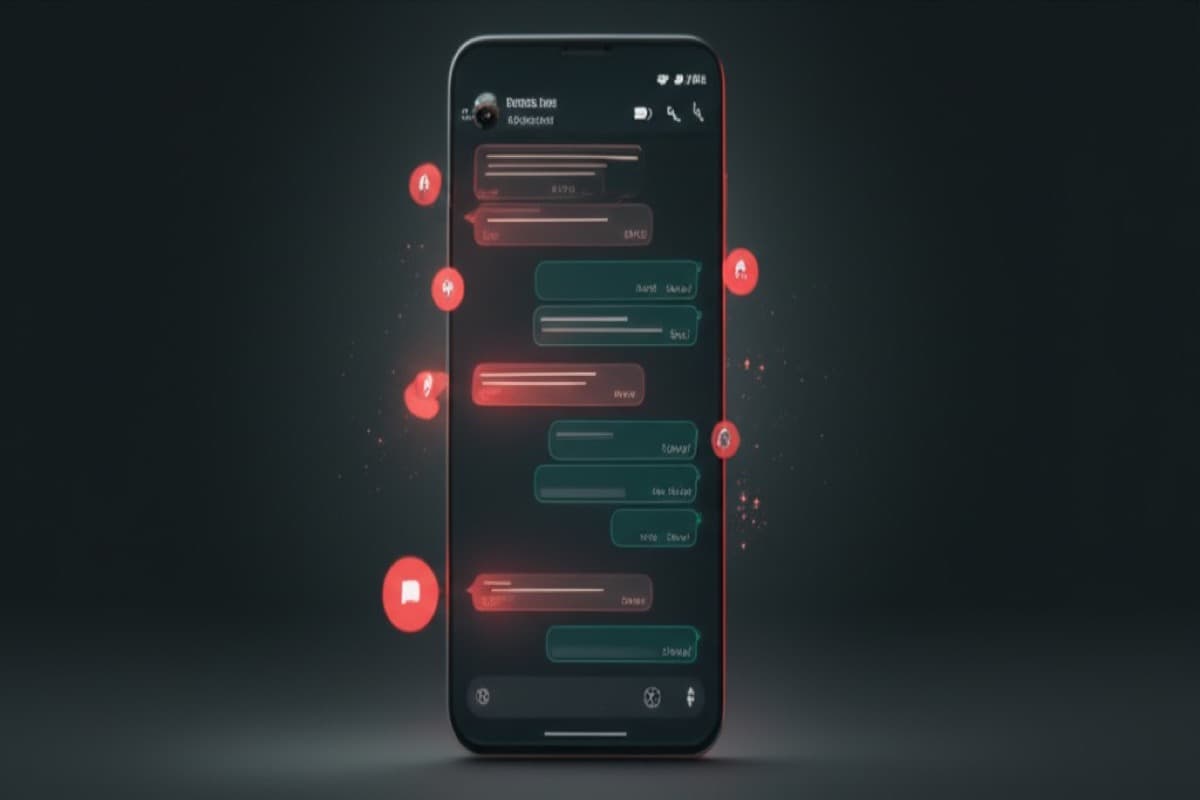
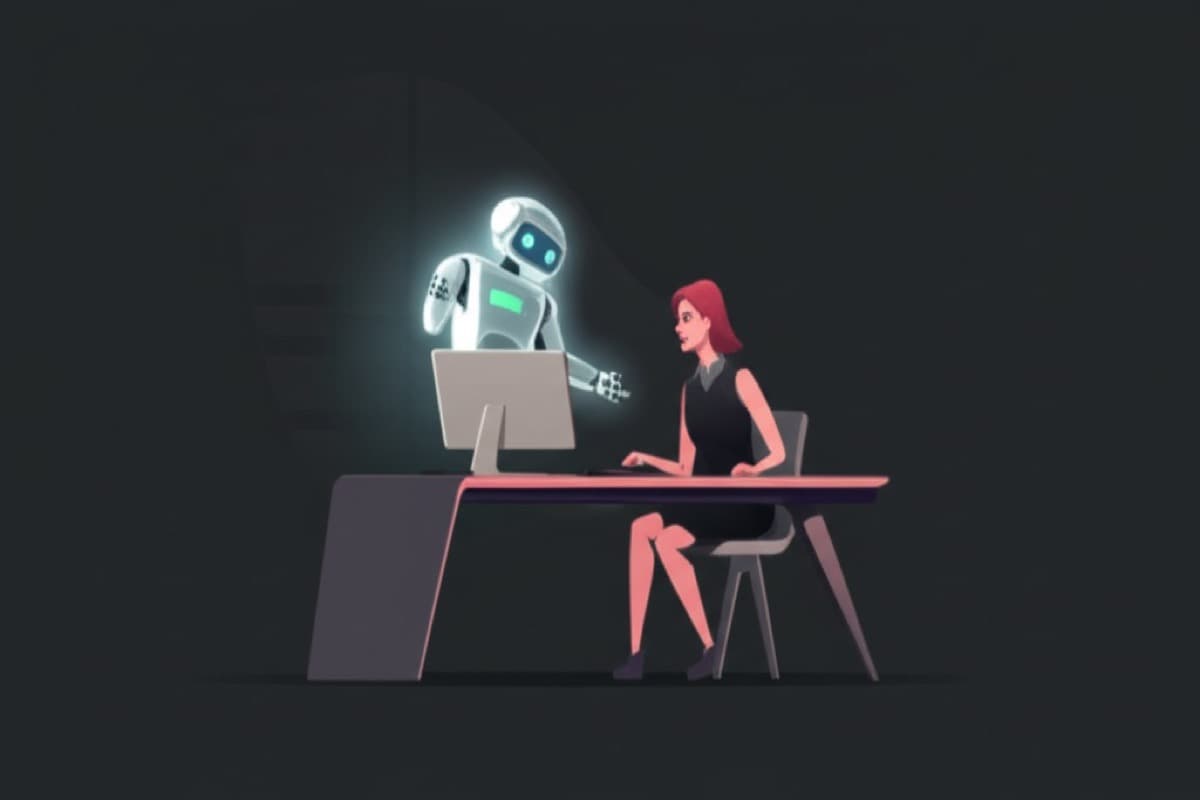
Real automation means your WhatsApp replies are handled by an AI assistant that actually understands each message and responds with the right answer. Not a canned reply. Not a generic greeting. A specific, helpful, conversational response based on your business information.
Here is an example. A customer messages your bakery on WhatsApp at 7pm: "Hi, do you make custom birthday cakes? I need one for Saturday for about 15 people."
Your AI assistant responds within seconds: "Hi! Yes, we make custom birthday cakes and we love them. For 15 people, I would recommend our medium round cake which serves 12-16. We have chocolate, vanilla, and red velvet available. For a Saturday order, we just need to confirm the details by Thursday. Would you like to pick a flavour and let me know any design preferences?"
The customer gets a helpful, specific answer instantly. You are at home having dinner and do not even know this conversation happened. But you just booked a sale.
How WhatsApp Automation Works (Step by Step)
If you are not technical, the behind-the-scenes stuff does not matter much. But understanding the basics helps you see why this works so well.
- Your WhatsApp Business account is connected to an AI assistant (we set this up for you at ClawdGo)
- When a customer sends a message, the AI reads it and understands what they are asking
- The AI checks its knowledge base — all the information you provided about your business during setup
- It writes a natural, conversational reply and sends it through WhatsApp
- If the question is something it cannot answer, it lets the customer know someone will follow up — and flags it for you
- You can review all conversations anytime through a simple dashboard
The key difference between this and basic auto-replies is intelligence. Your AI assistant understands context, remembers what the customer asked earlier in the conversation, and gives answers that actually make sense.
What You Can (and Should) Automate on WhatsApp
Not everything should be automated. Here is a practical breakdown of what works well with automation and what you should still handle personally:
Great for Automation
- Answering common questions about pricing, hours, location, and availability
- Booking appointments and confirming schedules
- Providing product information and recommendations
- Sending order updates and delivery notifications
- Following up with leads who enquired but have not booked yet
- Handling after-hours enquiries so customers get instant answers
Keep These Personal
- Handling complaints or sensitive issues
- Negotiating custom deals or bulk pricing
- Building relationships with VIP or high-value clients
- Anything that requires empathy or nuanced judgment
The beauty of a well-configured AI assistant is that it knows the difference. It handles the routine stuff automatically and passes the important stuff to you. You get the best of both worlds: fast responses for your customers and free time for you.
Real Business Examples
Here is how different types of businesses use WhatsApp automation in practice:
A dental clinic uses their AI assistant to handle appointment requests, answer insurance questions, and send appointment reminders. Before automation, their receptionist spent about 3 hours a day on WhatsApp messages. Now, the AI handles 80% of those conversations, and the receptionist focuses on patients who are actually in the office.
A personal trainer automates session bookings and cancellations through WhatsApp. Clients can reschedule on their own without calling or waiting for a reply. The trainer estimates this saves about 5 hours per week — time that now goes to actual training sessions (which earn money).
An online store uses WhatsApp automation to answer product questions, track orders, and handle return requests. Their response time went from an average of 4 hours down to under 30 seconds. Their conversion rate from WhatsApp enquiries nearly doubled.
The Secret: Keeping Automated Replies Personal
The biggest concern people have with automation is that it will feel robotic. Nobody wants their customers getting cold, generic responses. Here is the good news: a properly set up AI assistant does not sound like a robot.
During setup, we configure your AI assistant with your brand's tone of voice. If you are friendly and casual, your assistant will be too. If you are professional and formal, it matches that. It uses the customer's name, references their specific question, and responds the way you would — just faster.
“The best automation is the kind your customers never notice. They just think you have a really fast, really helpful team.”
Ready to Automate Your WhatsApp Replies?
If WhatsApp is a key channel for your business, automating your replies is one of the highest-impact things you can do. You will respond faster, never miss an enquiry, and free up hours of your time every week.
At ClawdGo, we set up WhatsApp-connected AI assistants as part of every plan. We handle the technical integration, train the assistant on your business, and make sure it sounds like you — not a machine. Plans start at $149 for setup plus $39/month.
Check out our plans and get your WhatsApp AI assistant set up this week. Your customers (and your sanity) will thank you.
Ready to hire your AI assistant?
We set everything up for you in 48 hours. No tech knowledge needed.
Get started — $149$39/month after · Cancel anytime