How AI Assistants Handle Customer Messages on WhatsApp

WhatsApp Is Where Your Customers Already Are
With over two billion users worldwide, WhatsApp has become the default way people communicate — not just with friends and family, but with businesses too. If you're running a business and you're not reachable on WhatsApp, you're probably missing out on conversations that could turn into sales.
The problem? Being reachable on WhatsApp means you need to actually respond. Quickly. Customers who message you on WhatsApp expect a reply within minutes, not hours. If you're busy with clients, or it's after hours, those messages pile up — and potential customers move on.
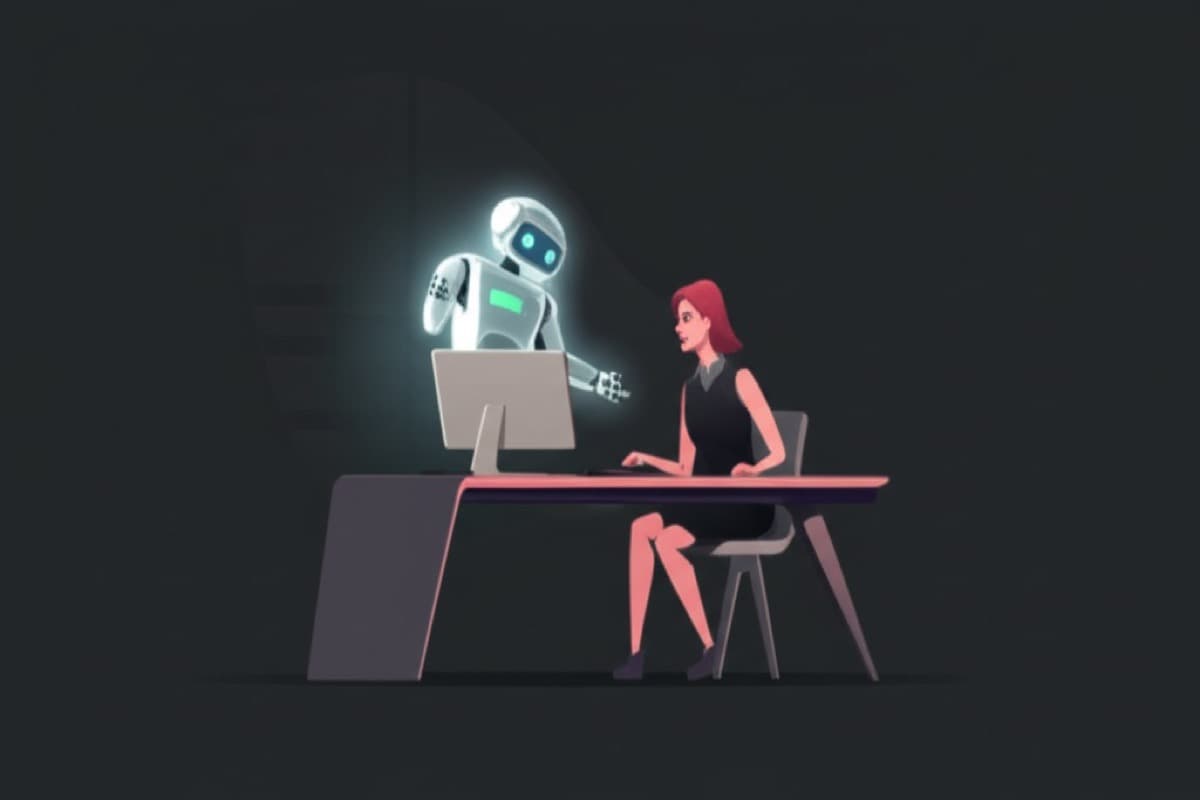
That's where an AI assistant comes in. It connects to your WhatsApp Business account and handles incoming messages automatically, using the information you've provided about your business. Let's walk through exactly how it works.
Step 1: A Customer Sends You a Message
Imagine it's 8:30pm on a Tuesday. Sarah is looking for a dog groomer in her area. She finds your business on Google, sees your WhatsApp number, and sends a message: "Hi, do you groom large dogs? I have a Golden Retriever."
You're at home having dinner. You don't even see the message. But your AI assistant does — instantly.
Step 2: Your AI Assistant Reads and Responds
Within seconds of Sarah's message arriving, your AI assistant reads it, understands the question, and checks its knowledge about your business. During setup, you told us that you groom all dog sizes, your pricing for large breeds, and your availability.
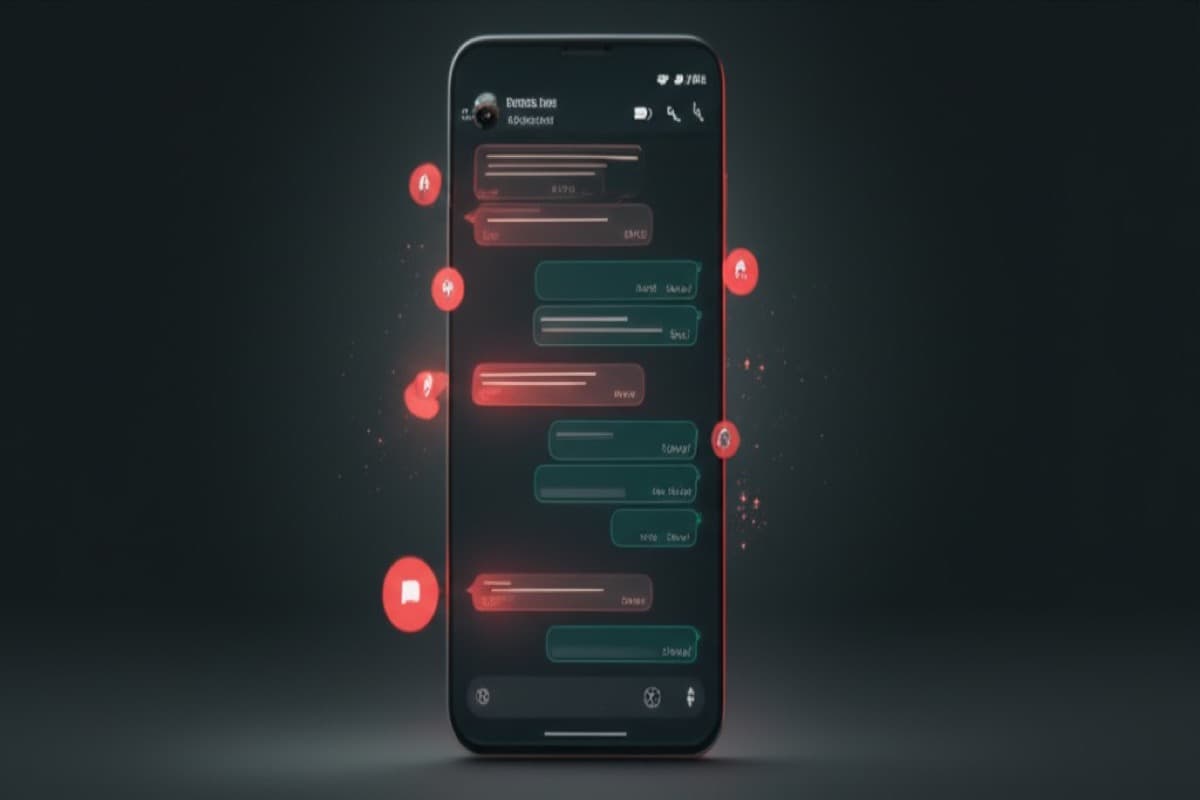
Your AI assistant replies something like: "Hi Sarah! Yes, we love Golden Retrievers! We groom all sizes of dogs. A full grooming session for a large breed like a Golden Retriever is $75. Would you like to book an appointment? We have slots available this Thursday and Friday."
The response feels natural and personal — because it's based on your actual business information and written in your brand's tone of voice. Sarah doesn't know (or care) that it's an AI. She just knows she got a helpful answer fast.
Step 3: The Conversation Continues Naturally
Sarah replies: "Thursday works! What time?" Your AI assistant checks availability and offers options. Sarah picks 2pm. The assistant confirms the appointment, sends the address, and lets her know what to bring.
The whole conversation — from first message to confirmed booking — happened in about 3 minutes. You didn't lift a finger. You might not even know about it until the next morning when you check your schedule and see the new booking.
If Sarah had asked something unusual — like whether you can handle a dog with a medical condition — the AI assistant would recognise it's outside its knowledge and let Sarah know someone from your team will follow up. You'd get a notification to handle it personally.
What Happens Behind the Scenes
You might be wondering: how does this actually work technically? Here's the simplified version — no jargon, we promise.
- Your WhatsApp Business account is connected to your AI assistant during setup (we handle this for you)
- When a message arrives, it goes to your AI assistant, which understands the text and figures out what the customer needs
- The assistant pulls from its knowledge base — the information you provided about your business during onboarding
- It generates a natural, conversational response and sends it back through WhatsApp
- The entire exchange is logged so you can review conversations anytime
You don't need to understand any of this to use it. We set everything up, test it, and make sure it's working before we hand it over to you. You just see messages being handled and appointments being booked.
Real-World Conversation Examples
Here are a few more examples of conversations your AI assistant can handle on WhatsApp, across different types of businesses:
- A restaurant customer asking about dietary options and making a reservation for 6 people on Saturday night
- A potential client asking a real estate agency about available properties in a specific neighbourhood and price range
- A patient asking a physiotherapy clinic about their opening hours, whether they accept their insurance, and how to book a first appointment
- A customer asking an e-commerce store about return policies and requesting a status update on their order
In each case, the AI assistant draws on the specific information you've provided. That's why the setup process matters so much — the more we know about your business, the better your assistant performs.
What Happens When the AI Doesn't Know the Answer?
This is a question we get all the time, and it's a good one. No AI assistant knows everything. There will always be questions that fall outside its training.
When that happens, your AI assistant doesn't make something up. It's trained to be honest and say something like: "That's a great question — let me have someone from the team get back to you on that." Then it flags the conversation for your attention.
You can also set rules for specific topics. For example, you might tell us: "If anyone asks about bulk orders, always pass that to me directly." We configure those rules during setup so the assistant knows when to step back and let you take over.
Get Your WhatsApp AI Assistant Set Up
If WhatsApp is an important channel for your business — and for most service-based businesses, it is — having an AI assistant handle it can make a huge difference. Faster responses, more bookings, happier customers, and way less time spent staring at your phone.
ClawdGo sets up WhatsApp-connected AI assistants as part of our standard service. We handle the WhatsApp Business integration, train the assistant on your business, and make sure everything works smoothly before you go live.
Check out our integration page at /integrations/whatsapp for more details, or get started with a plan today. Your first customer might be messaging you right now — let's make sure they get an answer.
Ready to hire your AI assistant?
We set everything up for you in 48 hours. No tech knowledge needed.
Get started — $149$39/month after · Cancel anytime